Homedge
Mini Portable Projector with Wifi and Bluetooth
Mini Portable Projector with Wifi and Bluetooth
Couldn't load pickup availability
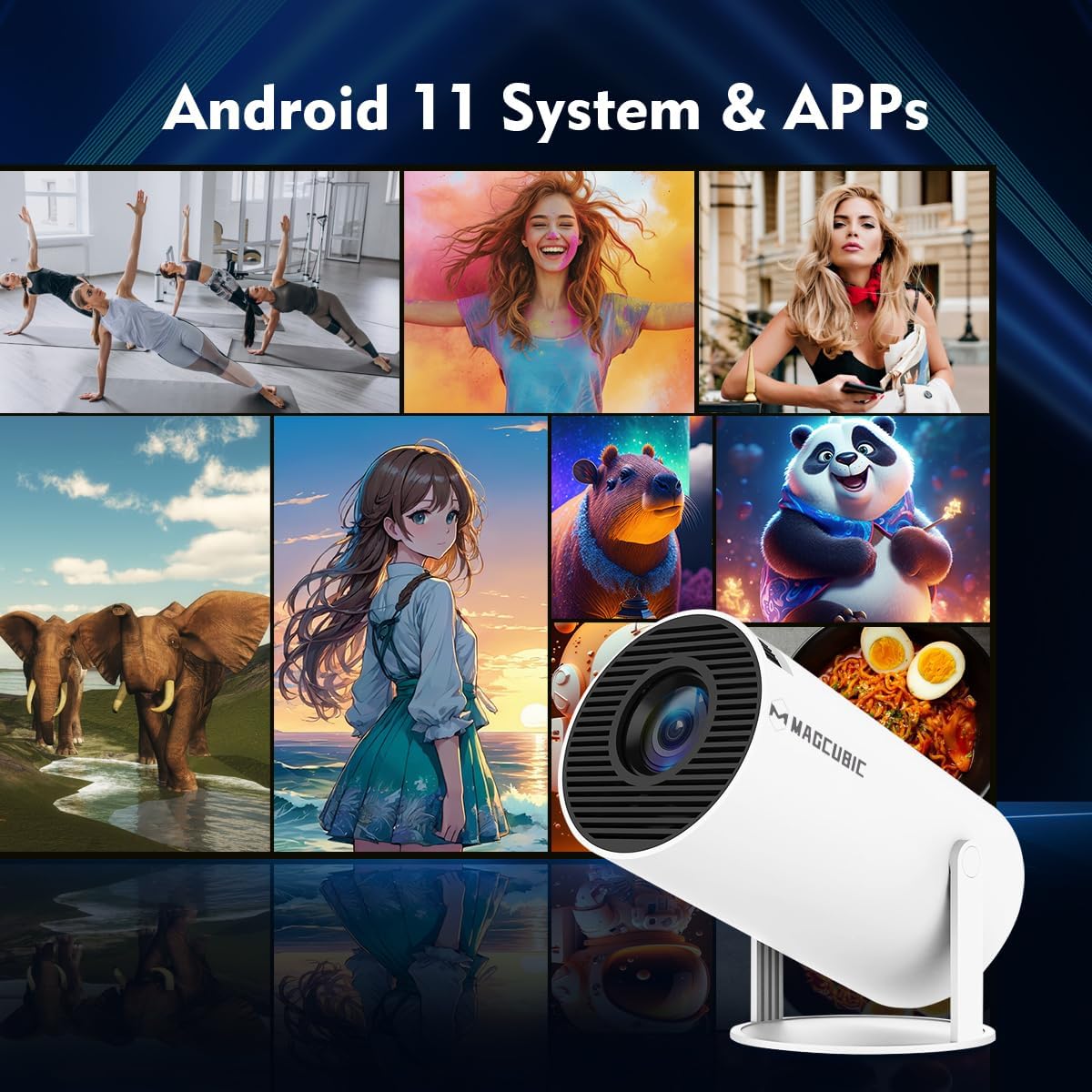
- 【Android 11 & Multiple Apps】This mini projector built-in Android 11 operating system, allowing effortless access to a wide range of content without the need for additional devices. you're equipped with the latest technology and software updates, ensuring compatibility with upcoming services for years to come. If you encounter software incompatibility problems, please upgrade the system, if not, please contact customer service
- 【Built-in dual band WiFi 6 & 180°Rotatable Portable Projector】It doesn't require fixed installation, allows for flexible adjustment of projection angles,can project onto the ceiling, and is not constrained by the environment offers unparalleled versatility and convenience. Built-in dual band 5G Wifi 6, experience reduced latency and improved responsiveness, ideal for video conferencing, and other real-time applications, ensuring smoother, more immersive experiences without delays or lag
- 【BT 5.4 & Built-in Speaker】The 4k projector with BT connectivity, you can easily connect wireless speakers, headphones, or soundbars to the projector, enhancing the audio quality and creating a more immersive viewing experience. This allows you to enjoy high-quality sound without the limitations of wired connections. Also built-in speakers eliminate the need for external audio equipment, simplifying setup and reducing clutter in your entertainment or presentation space
- 【Portable Size & Long Time Life 】This portable projector is usually lightweight, with a net weight of only 350g/0.77BL, Compact structure, easy to carry and move. You can easily carry them with you anytime and anywhere for projection. The lifespan of the light source can reach 50000 hours. Easily meet your movie, competition, and gaming needs
- NOTE: To ensure optimal performance of built-in applications, please manually update your device to the LATEST system version. Should you encounter any issues, do not hesitate to contact our customer support team for further assistance
Product description
HY300Pro portable projector
Merchant VideoMagcubic: Portable Cinema Showdown
| Customer Reviews | 4.1 out of 5 stars 467 | 4.2 out of 5 stars 419 | 4.2 out of 5 stars 7,821 | 4.3 out of 5 stars 239 |
| Price | $49.99$49.99 | $56.99$56.99 | — | $69.43$69.43 |
| Display Resolution | Native 720P | Native 720P | Native 720P | Native 1080P |
| Ansi Lumens | 200ANSI | 200ANSI | 260ANSI | 260ANSI |
| Speaker | 5W Soundbase Speaker | 5W Soundbase Speaker | 5W Soundbase Speaker | 5W Soundbase Speaker |
| Focus Mode | Manual Focus | Manual Focus | Electric Focus | Auto Focus |
| Auto Keystone Correction | Vertical | Vertical | Vertical | ✔ |
| Connection | WiFi6 + Bluetooth 5.4 | WiFi6 + Bluetooth 5.4 | WiFi6 + Bluetooth 5.4 | WiFi6 + Bluetooth 5.4 |
| Net Weight | 350g/0.77BL | 400g/0.88BL | 560g/1.23BL | 610g/1.34BL |
-
Important Note – Must-Read
Due to the HDCP (High-bandwidth Digital Content Protection) agreement, screen mirroring may not function properly (no image or sound) when attempting to mirror content from certain apps, such as Amazon Prime Video, Netflix, Hulu, and others.
-
How can I access Netflix, Prime Video, and YouTube?
"1.Ensure your device is updated to the latest version.
2.Go to Appstore on the home page
3.Update the apps to the latest version to use them"
-
How do I screen-mirror iOS devices to the HY300Pro?
"1.Ensure your device is updated to the latest version.
2.Open the Airpin or ScreenCast app.
3.Use AirPlay on your iOS device, making sure both devices are connected to the same Wi-Fi network."
-
What Should I Do if the HY300Pro Projector Can't Connect to Wi-Fi?
"1. Verify the time zone under Settings > Date and time Setting
2. Switch to another Wi-Fi network or use a mobile hotspot.
3. Test both 2.4GHz and 5GHz bands.
4. Reset via Settings>Other Settings>Factory Reset Settings"
-
What Should I Do if the Remote Control Doesn't Respond when Using the App?
Many apps on the projector are mobile versions, which require switching to mouse mode for proper operation. Please press the mouse button on your remote control to switch to the air mouse mode and proceed.
Share